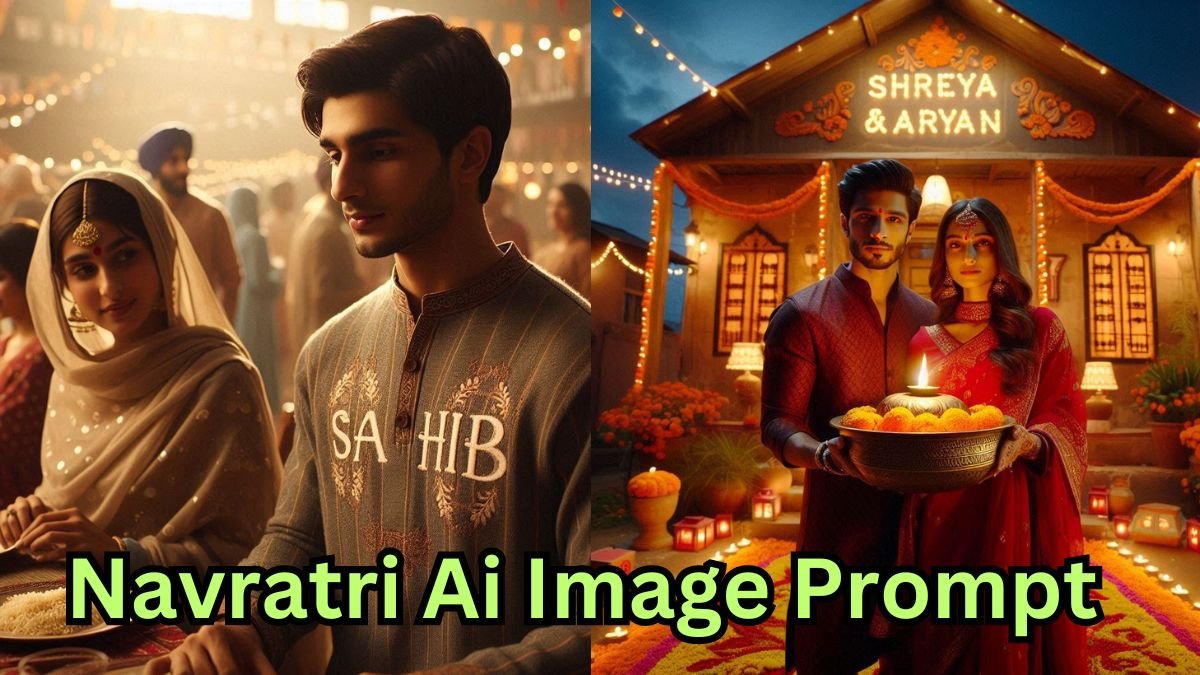
Diwali is just around the corner, and everyone is looking for creative ways to stand out on their social media platforms. This festive season, we’ve come up with a unique idea, creating aesthetic Diwali-themed images using Gemini AI prompts for girls.
With the help of Gemini AI, you can easily generate beautiful, personalized images using your own reference photo. The AI will transform your image into a vibrant and festive Diwali portrait , making your social media profile glow with uniqueness and charm.
In this article, we’ll guide you step-by-step on how to use Gemini AI prompts, how to modify them, and how to generate your own customized Diwali look:
Table of Contents
Why Diwali AI Images Are Trending in 2025
Social media is evolving fast, and AI-powered content creation has taken over platforms like Instagram, Facebook, and YouTube. With Gemini AI, you can now create aesthetic Diwali-themed portraits effortlessly. These images combine traditional charm with a modern AI touch, giving your profile a distinctive festive vibe.
Whether you want a soft golden glow, traditional saree styling, or a royal festive background, AI Diwali prompts can help you achieve it all. The magic lies in the prompt customization—a small tweak can completely transform your photo into something extraordinary.
How to Use Gemini AI to Create diwali Prompts for Girls
Follow these detailed steps to create beautiful Diwali-themed photos using Gemini AI:
Step 1: Login or Create a Gemini AI Account
Visit the official Gemini AI platform. If you already have an account, simply login with your credentials. If not, create a new one using your Google or email ID. The process is quick and free, making it easy for anyone to start.
Step 2: Choose the Perfect Diwali Prompt
Select from the Diwali prompt collection designed specifically for girls. These prompts include festive dress styles, lighting effects, jewelry details, and background themes.
Here are a few unique example prompts you can try:
- “Beautiful Indian girl wearing a traditional red saree, surrounded by diyas, festive lights, and golden sparkles, captured in cinematic lighting.”
- “Aesthetic portrait of a girl holding a diya, wearing lehenga with elegant jewelry, background filled with rangoli and bokeh lights.”
- “Modern festive look — a young woman wearing Indo-western outfit, Diwali celebration ambiance, glowing candles, and soft sparkle effect.”
Each of these prompts is crafted to generate vibrant and realistic results that feel authentic and festive.
Step 3: Upload Your Reference Image
Upload your own reference image to personalize the AI output. This allows Gemini to recreate your likeness while applying the chosen Diwali theme and styling.
Make sure your reference image is clear, front-facing, and well-lit for the best results.
Step 4: Edit or Customize the Prompt
Before generating your image, you can edit the Diwali prompt to match your preferences.
For example:
- Add more lighting effects like “warm orange glow” or “golden festive sparkles.”
- Change outfit style from traditional saree to modern festive dress.
- Adjust background elements such as “palace lights,” “decorated balcony,” or “Diwali fireworks.”
This flexibility ensures that every image you create is completely unique.
Step 5: Generate Your Diwali Image
After finalizing the prompt and reference photo, click on the generate icon.
Within seconds, Gemini AI will process your input and create a high-quality Diwali-themed image that captures the festive essence perfectly.
Creative Diwali AI Prompts for Girls
Here are some exclusive prompt ideas that you can copy and use directly in Gemini AI to make your image even more appealing:
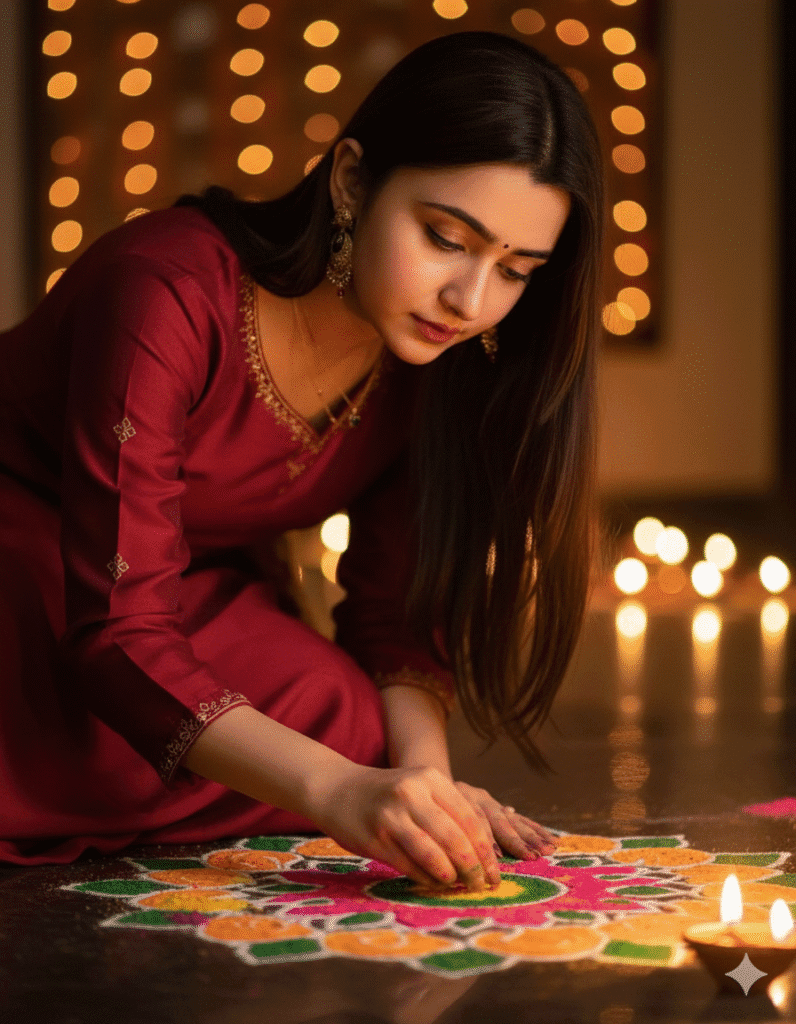
- Prompt :- A close-up, eye-level shot of a young Indian woman, her face beautifully illuminated by the soft glow of a clay diya beside her. She’s focused intently on a vibrant Rangoli design she’s creating on the floor, the intricate patterns visible. The background is softly blurred with bokeh lights, hinting at a festive Diwali night. Her traditional attire is elegant, and a subtle reflection of a candle flickers in her dark, expressive eyes.
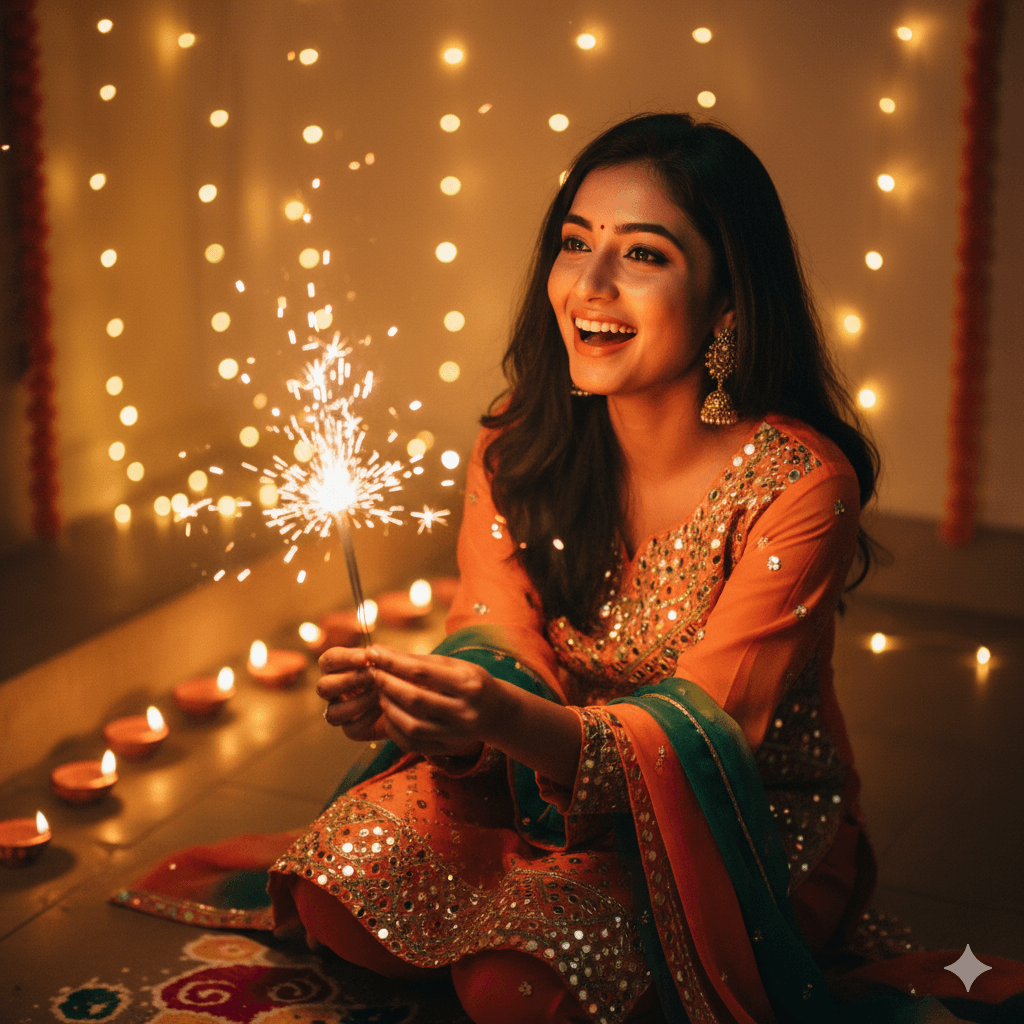
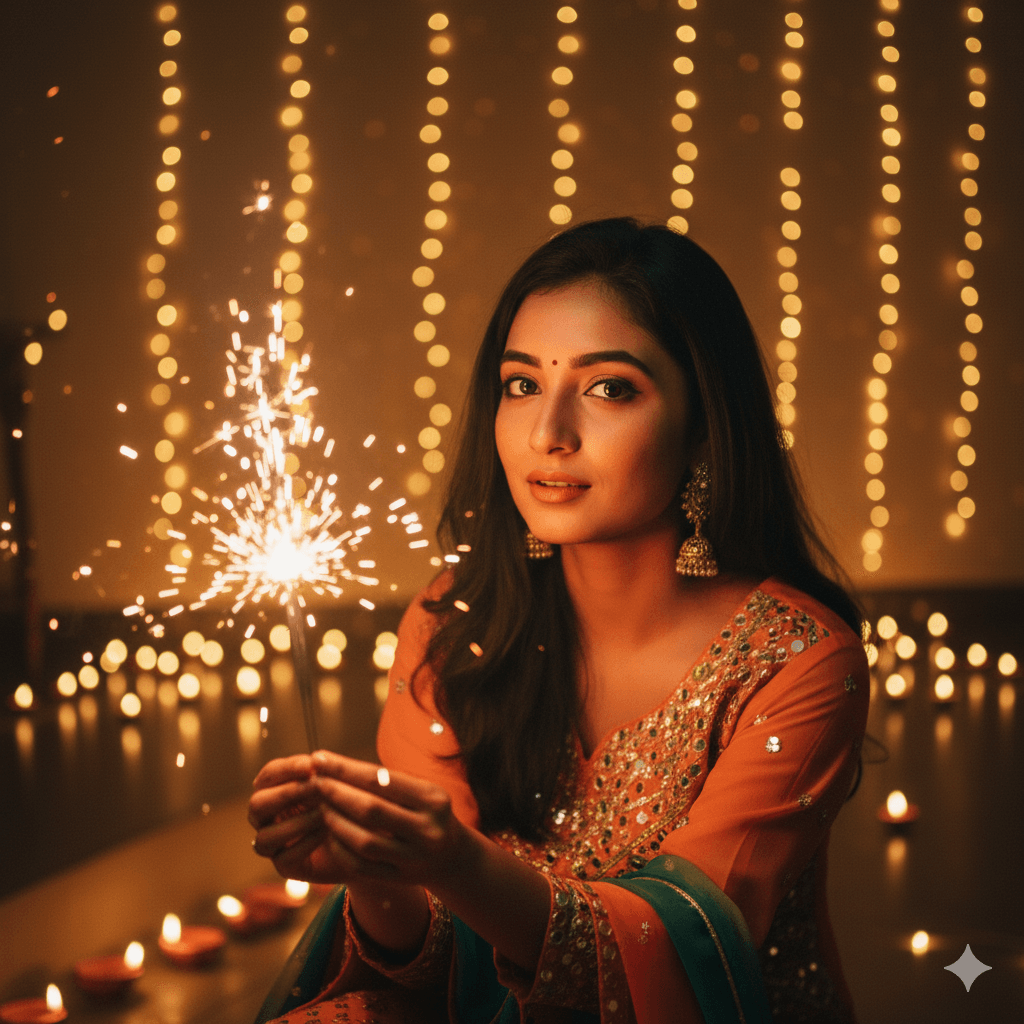
2. Prompt:-A three-quarter shot from a slightly high angle, capturing a joyful girl in the midst of a Diwali celebration. She’s holding a sparkling firecracker, its gentle fizz illuminating her radiant smile. Warm, golden string lights adorn the space around her, creating a magical ambiance. The camera captures the glow reflecting on her skin, emphasizing her festive spirit and beautiful features as she looks slightly upwards.
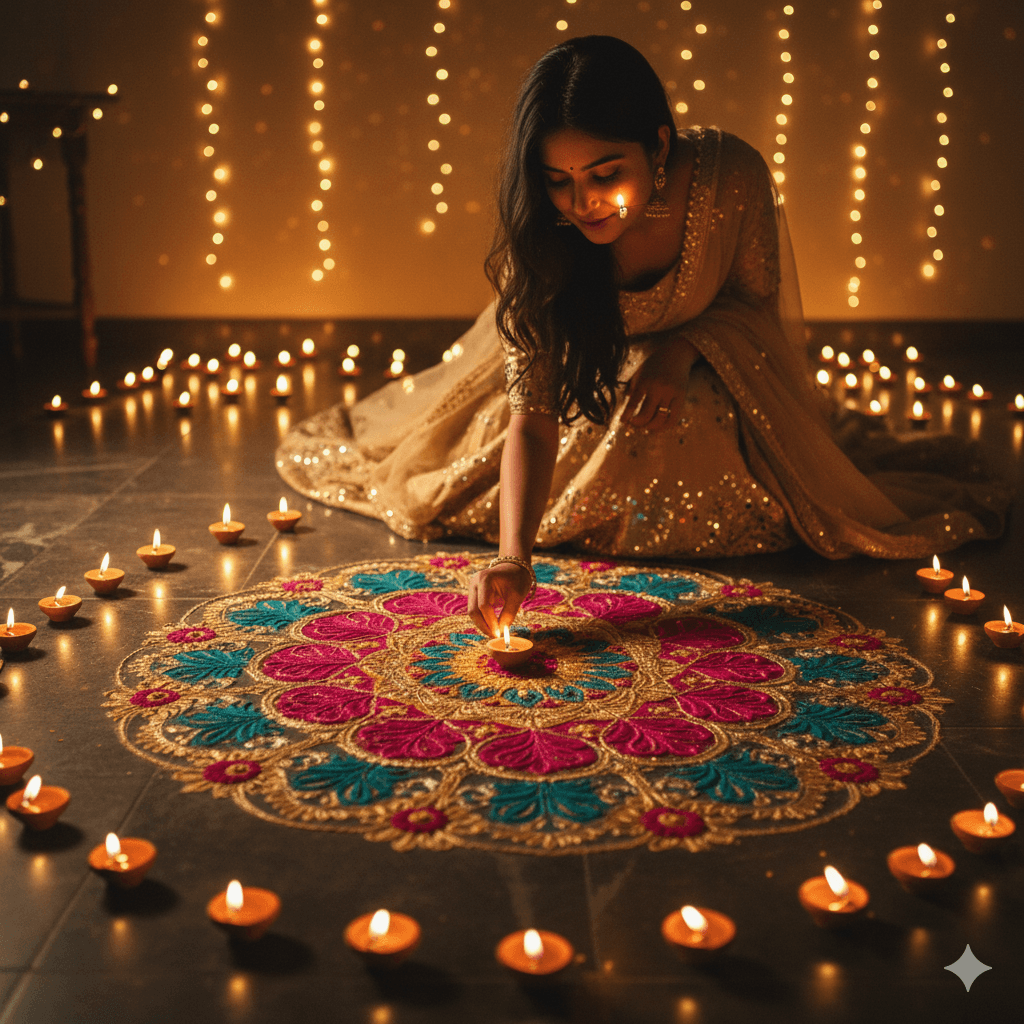
3. Prompt:- A wide shot from a low angle, showing a girl gracefully finishing a large, colorful Rangoli design on a tiled floor. The scene is set at night, with numerous flickering oil lamps and candles casting dancing shadows and highlights. A single candle’s reflection is subtly visible on her cheek. She’s dressed in a festive lehenga, and her face, though partially obscured by her focused posture, radiates peace and beauty in the soft, warm light.
4. Prompt:- A medium shot, taken at eye level, of a girl looking directly into the camera with a confident and beautiful expression. She’s holding a lit sparkler in one hand, the golden shower of sparks just beginning to cascade. Behind her, a wall is adorned with decorative Diwali lights and the soft blur of more diyas. The focus is sharp on her exquisite facial features, highlighted by the warm, dynamic light of the sparkler.
Tips to Make Your Diwali Image Stand Out on Social Media
Even after generating the perfect image, presentation matters. Here are a few expert tips to make your post go viral:
- Add a meaningful caption with Diwali wishes or quotes.
- Use trending hashtags such as #Diwali2025, #DiwaliVibes, #GeminiAI, #AIArtDiwali.
- Maintain a consistent color tone across your feed for better visual appeal.
- Share behind-the-scenes content or the prompt details to increase engagement.
- Post at peak social media times—evening (7–10 PM IST) works best during the festival week.
Editing and Enhancing Your Gemini AI Output
Once the AI generates your image, you can make minor enhancements to perfect the final look:
- Adjust brightness and contrast for a richer festive glow.
- Add text overlays like “Happy Diwali 2025” or “Festival of Lights.”
- Use photo filters or AI retouch tools to smooth details and enhance colors.
- Create carousel posts comparing your original photo and AI version.
Conclusion: Shine Bright This Diwali with Gemini AI
This Diwali, step beyond traditional photography and embrace the power of AI creativity. With Gemini AI prompts for girls, you can create visually stunning, festive images that reflect the joy, elegance, and celebration of Diwali.
Each image you generate becomes a digital masterpiece, capturing your unique style and festive energy. Whether for your Instagram post, profile picture, or creative campaign, Gemini AI ensures you leave a lasting impression.