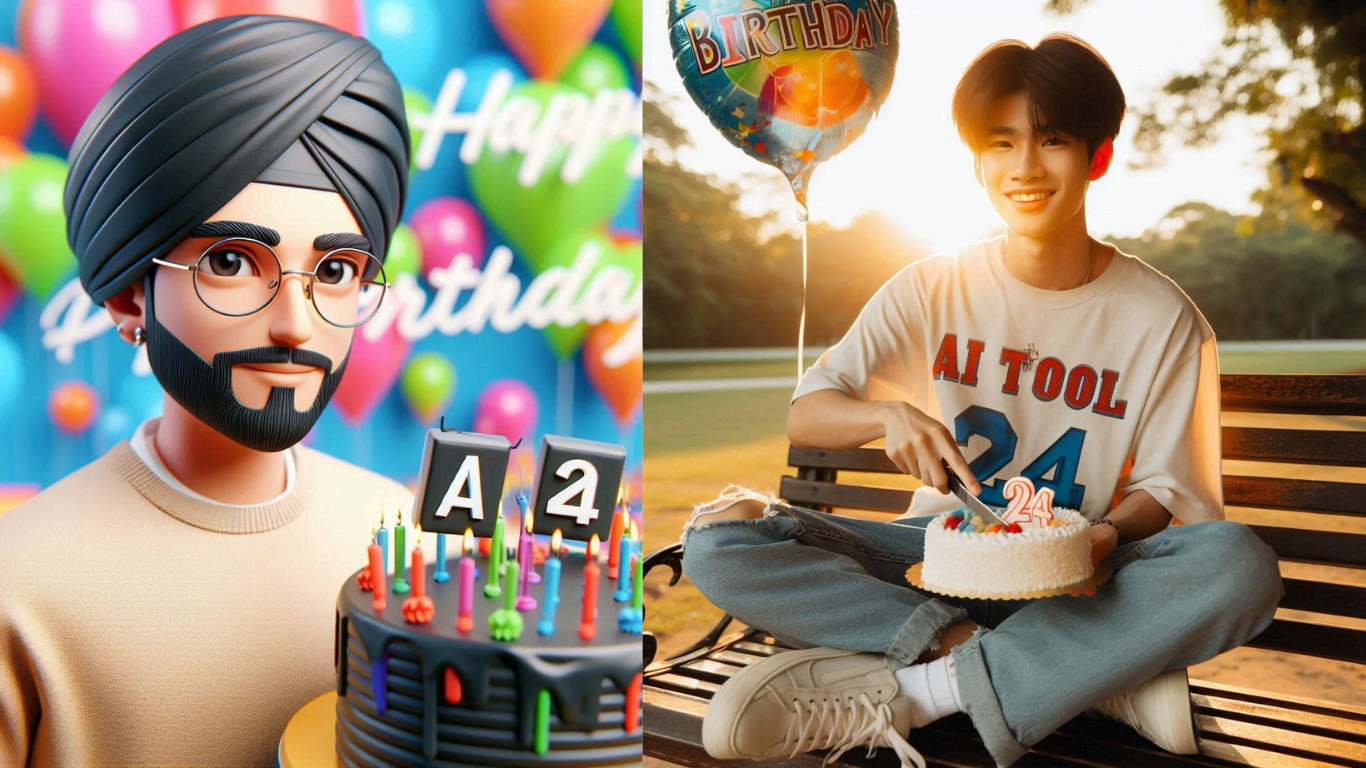
AI-powered photo editing has revolutionised the way we present ourselves . Google Gemini AI stands out among the many tools available as an innovative platform that combines cultural nostalgia, creativity, and customization. Creating vintage Bollywood saree portraits and glamorous edits that transform ordinary selfies into vintage works of art.
The secret to getting cinematic, high-quality results with Google Gemini AI photo editing prompts for girls is to use descriptive keywords. This comprehensive guide digs deeply into the trend, offering the best prompts, suggestions, and methods that ensure portraits of high quality while integrating both modern and vintage styles.
Table of Contents
Why Google Gemini AI Photo Editing Prompts Are Going Viral
Gemini AI’s ability to redefine identity and style with a single click is the reason for its huge popularity. Users can turn a simple selfie into a cinematic image that recalls the golden era of Bollywood with just a prompt. Since the tool uses customised prompt commands rather than typical filters. Gemini AI provides the following for girls who wish to stand out on social media sites like Pinterest, Instagram, and TikTok:
- Old Bollywood portraits influenced by Hema Malini, Rekha, and Madhubala.
- high-end photo edits that mimic styles fit for the runway.
- artistic portraits that combine futuristic AI artistry with cultural aesthetics.
How to Create Stunning Retro Saree Portraits with Gemini AI
To maximize results, start with a clear, well-lit selfie. Make sure your face is visible and the photo is not heavily edited. Then, craft prompts with specific details about:
- Saree style and color (chiffon, silk, sequins, pastels, or bold reds).
- Lighting effects (cinematic shadows, golden hour, studio spotlight).
- Hairstyle and makeup (retro curls, winged eyeliner, glossy lips).
- Background setting (film poster, palace ambience, rain-soaked romance).
How to Use Google Gemini AI for Photo Editing Prompts
Creating these edits is not about complicated tools; it’s about the right prompts. To achieve the best results:
- Use Gemini’s Nano prompts to guide the AI into generating the perfect retro Bollywood effect.
- Experiment with different color palettes and moods to reflect your personal style.
- Save and share directly to Instagram or TikTok to join the trend.
Gemini Nano AI Photo Editing Prompts for Girls in Bollywood Retro Style
To get the perfect AI-generated Bollywood portrait, here are 10 Nano prompts designed for Gemini users:
1. Rekha’s Timeless Golden Look
“Elegant Bollywood diva inspired by Rekha, wearing a shimmering golden silk saree with heavy embroidery, bold eyeliner, deep red lipstick, retro bun hairstyle with gajra flowers, dramatic spotlight, cinematic shadows, film-poster style composition.”
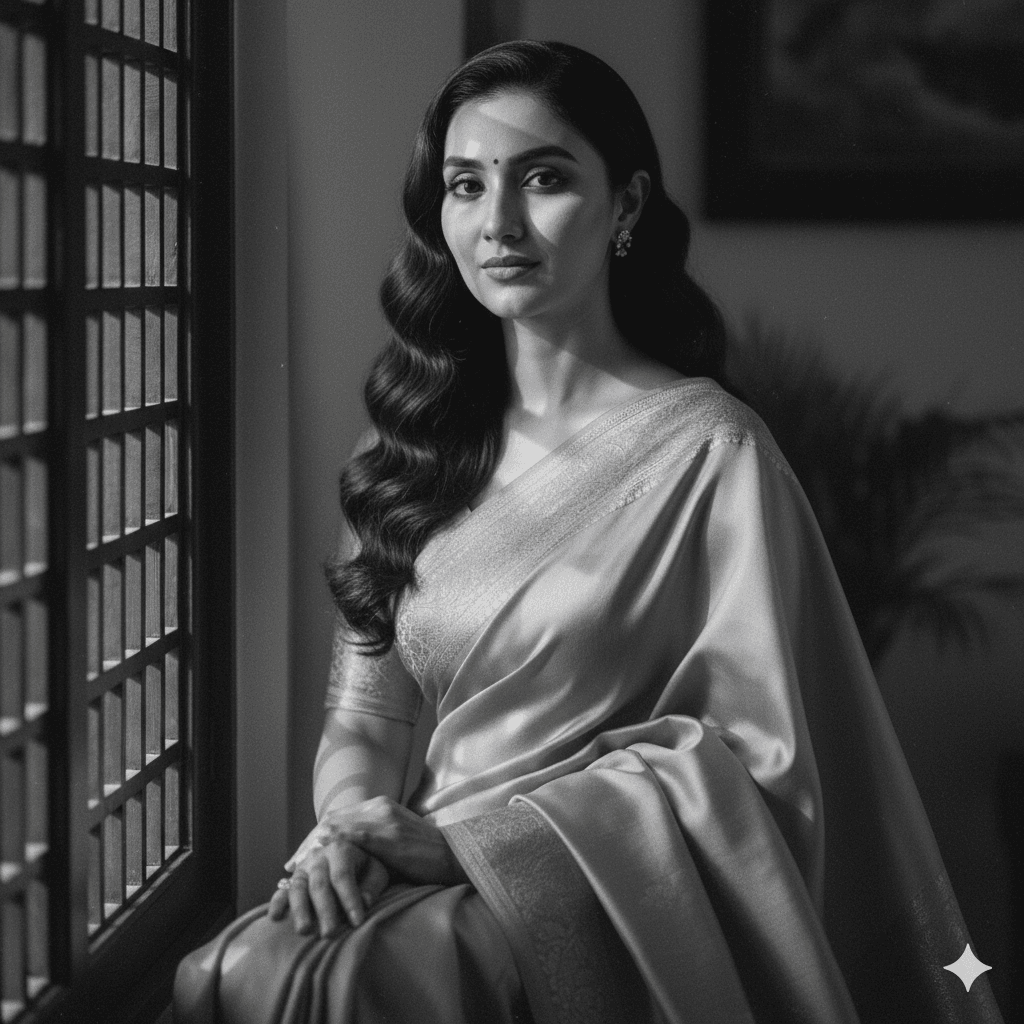
2. Madhubala Dreamy Pastel Chiffon
“Classic Madhubala-inspired portrait, soft pastel pink chiffon saree with delicate borders, natural makeup, gentle smile, vintage curls, glowing skin, dreamy cinematic lighting with soft focus, film grain texture, 1960s romantic Bollywood mood.”

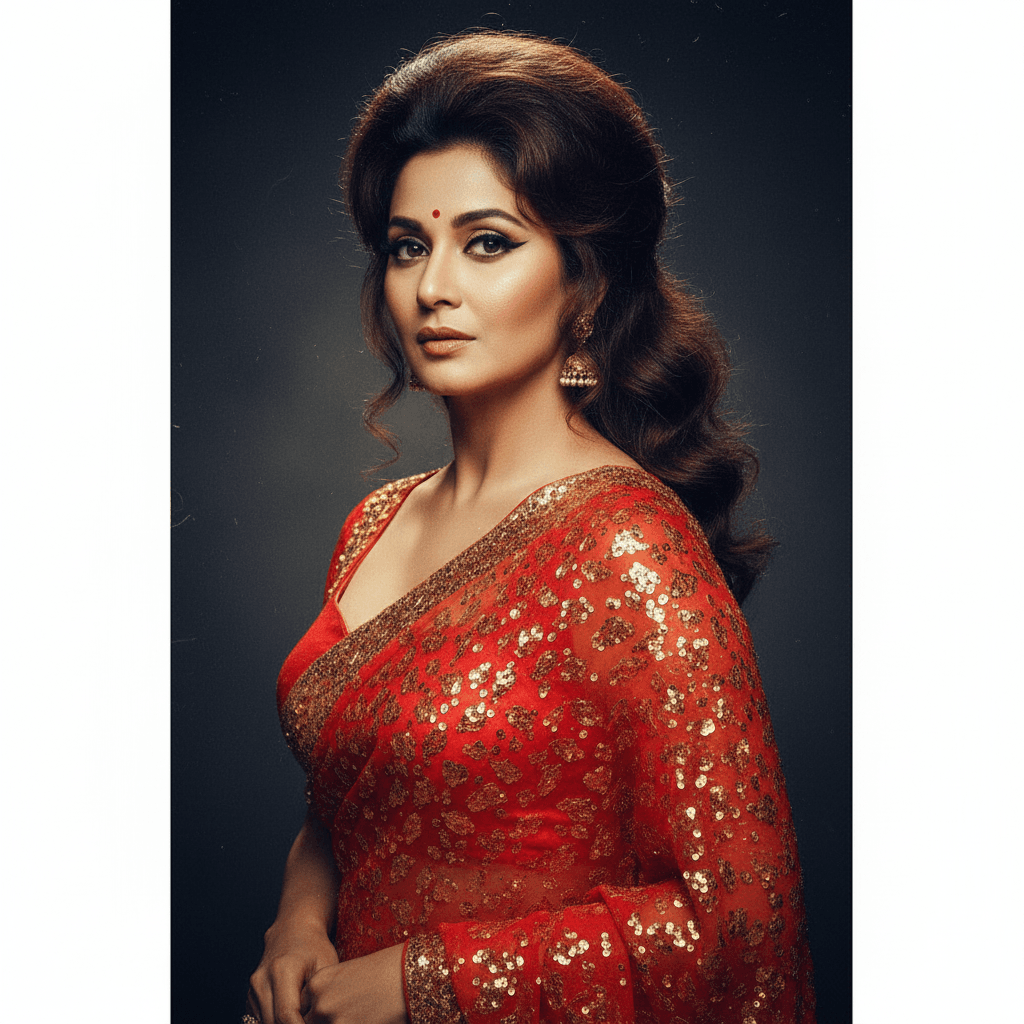
3. 70s Glam Diva in Red Saree
“Retro 1970s Bollywood actress look, vibrant red chiffon saree with golden sequins, dramatic winged eyeliner, voluminous retro hairstyle, moody studio background, cinematic poster-style lighting with bold contrast and vibrant tones.”

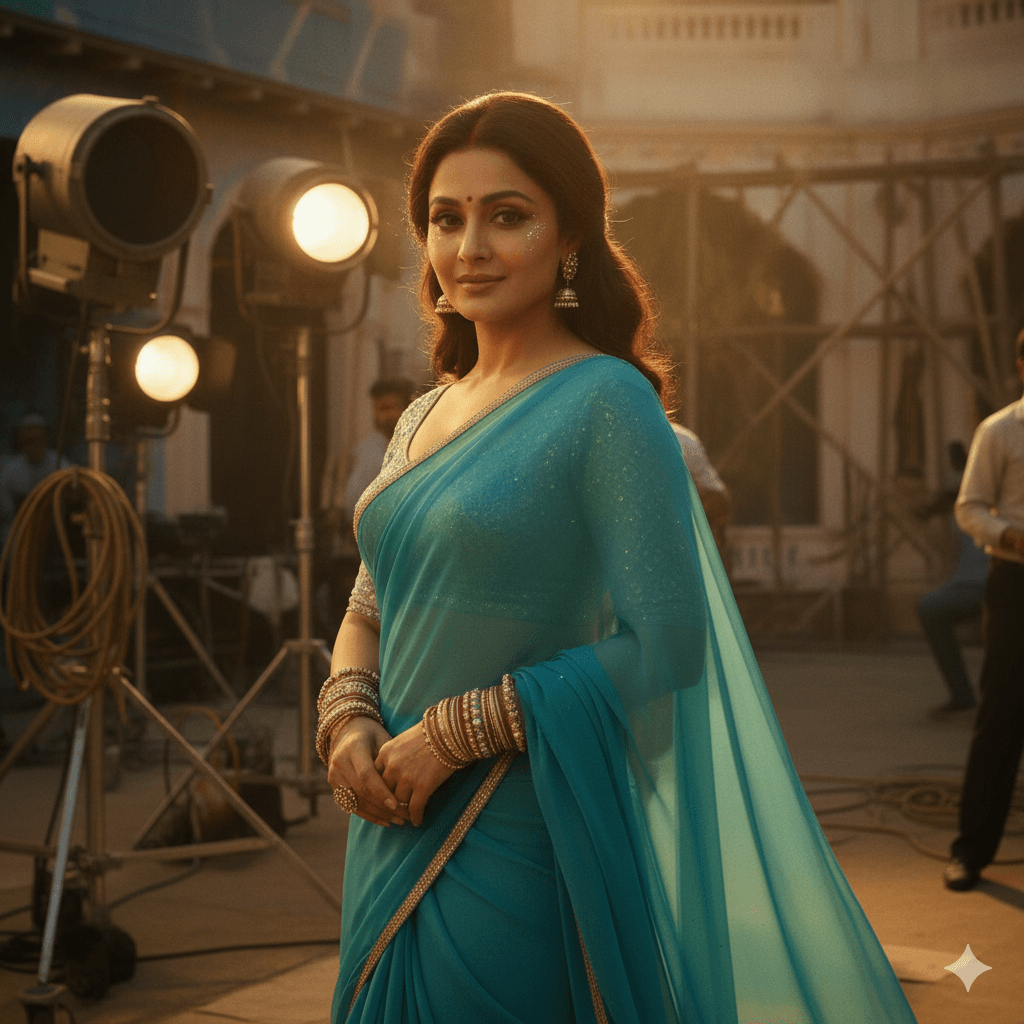
4. Hema Malini’s Dream Girl Charm
“Inspired by Hema Malini’s Dream Girl era, actress in turquoise blue chiffon saree, heavy bangles, subtle glitter makeup, half-smile pose, cinematic golden-hour lighting, background of vintage film set, high-drama retro glam look.”
5. Bollywood Night Gala Look
“Retro Bollywood actress at a night gala, glittering silver saree with sequins, bold red lips, dramatic cat-eye liner, spotlight from above, dark moody background, paparazzi flash effect, glamorous 1980s movie star portrait.”

6. Royal Mughal-Era Princess
“Bollywood actress styled as a royal princess, heavily embroidered red saree with golden zari work, pearl jewelry set, ornate nose ring, hair in a traditional bun with veil, palace background, candle-lit ambience, cinematic historical drama style.”
7. Rain Romance Scene
“Bollywood actress standing in rain, wet chiffon saree in pastel blue, natural glossy makeup, hair flowing freely, cinematic rain drops highlighted with spotlight, dramatic romantic film poster atmosphere, intense close-up portrait.”

Tips for the Perfect Retro Saree Edit
To elevate your AI-generated portraits, follow these practical tips:
- Choose traditional accessories, like bangles, bindis, and jhumkas, to add authenticity.
- Experiment with background prompts, vintage cinema halls, old film sets, or dreamy gardens.
- Play with color tones, sepia, black and white, or Technicolor effects work best.
- Enhance lighting styles, soft spotlight for romance, harsh shadows for drama.
- Keep your base photo natural; minimal makeup works wonders when AI adds retro glamour.
These small details ensure that your portrait doesn’t just look like an edit but a piece of cinematic art.
Final Thoughts
The rise of Gemini AI’s Bollywood retro saree portraits proves one thing: AI is no longer about technology, it’s about self-expression and cultural revival. With just a prompt, anyone can step into the shoes of their favorite Bollywood icon and share a cinematic version of themselves with the world.